Use IVION Processing to configure and process one or more captured datasets. You can create a processing task while the data is still uploading.
Cancellation limit: You cannot cancel a processing task once it has been running for more than 30 minutes. Review your datasets and settings before starting processing.
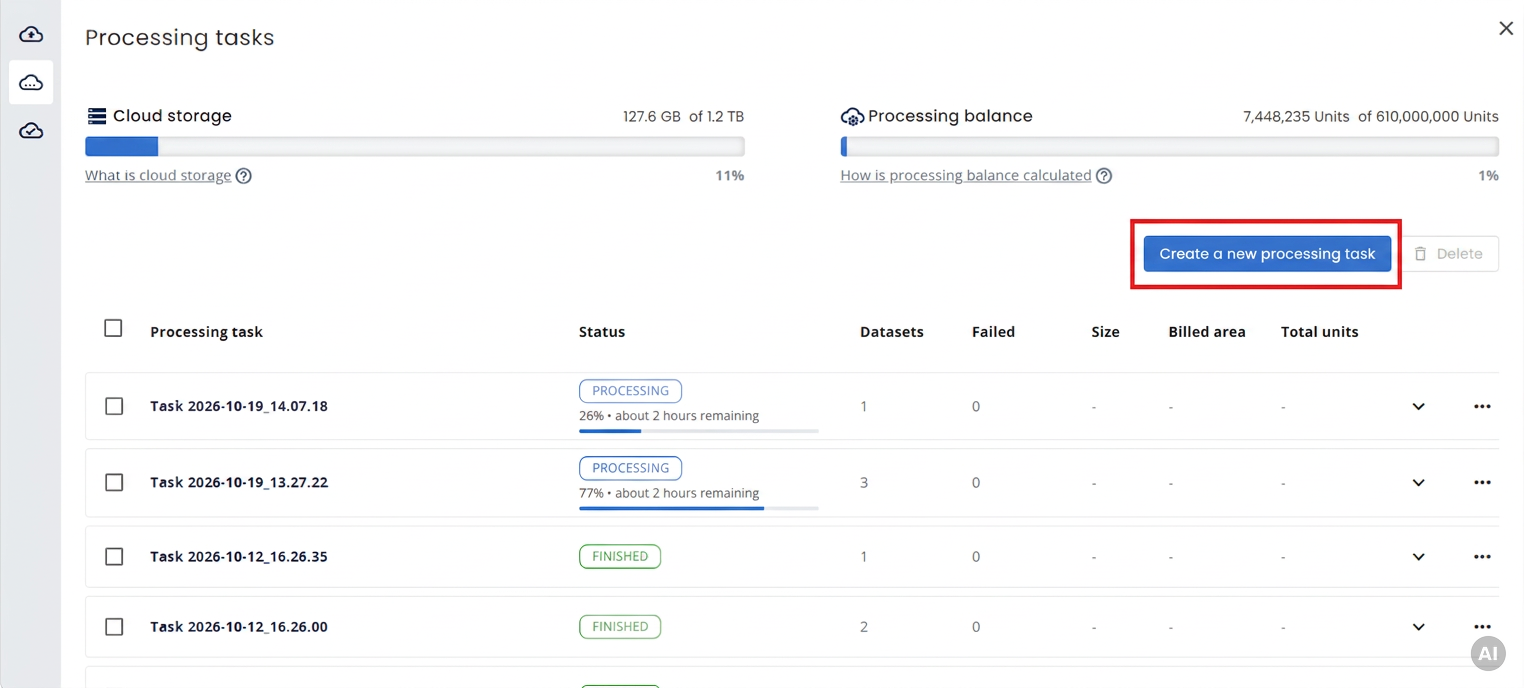
How do I navigate to Create a new processing task
Go to Data Processing > Processing Tasks

Click Create processing task.
Processing Phases
Configure the task through four phases:

Select dataset: Choose the datasets you want to process. See Select dataset for more information.
Alignment & control points (optional): Enable cross-dataset alignment, upload surveyed control points, and review dataset groups. See Alignment & Control points (optional) for more information.
Settings: Configure processing options for each dataset. See Settings configuration for more information.
Review: Check the settings, estimated unit consumption, and estimated processing time before starting processing. See Review for more information.
Select Continue to move to the next phase. Processing starts only after the dataset upload is complete.
The following pages describe the processing phases and steps in detail.