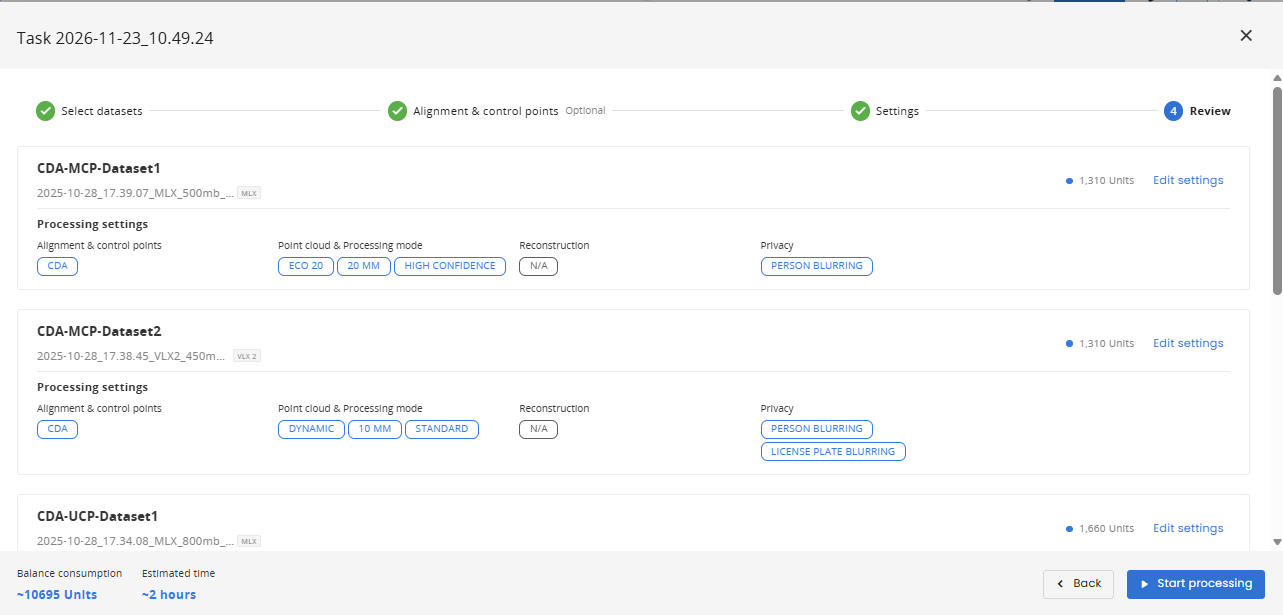
The Review screen is the last phase when creating a processing task in IVION Processing. Use it to check the settings and review each dataset.

Each dataset is displayed with its settings and corresponding information.
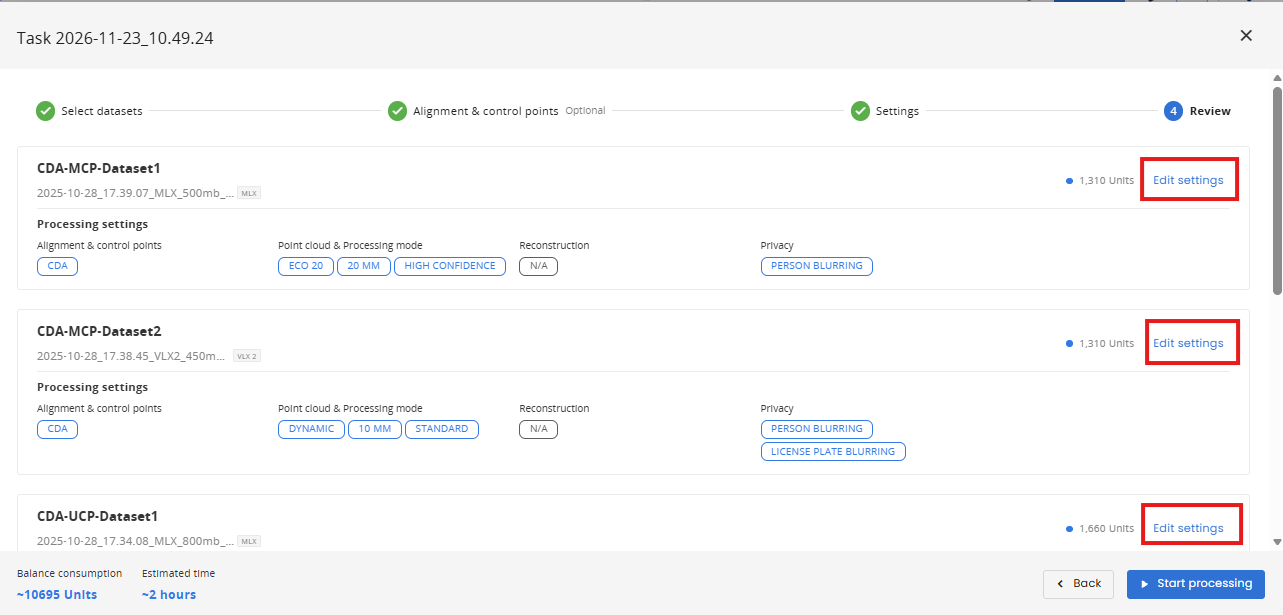
Click Edit settings to return to the Settings phase.
Update the dataset settings.
Click the Continue button to return to Review.
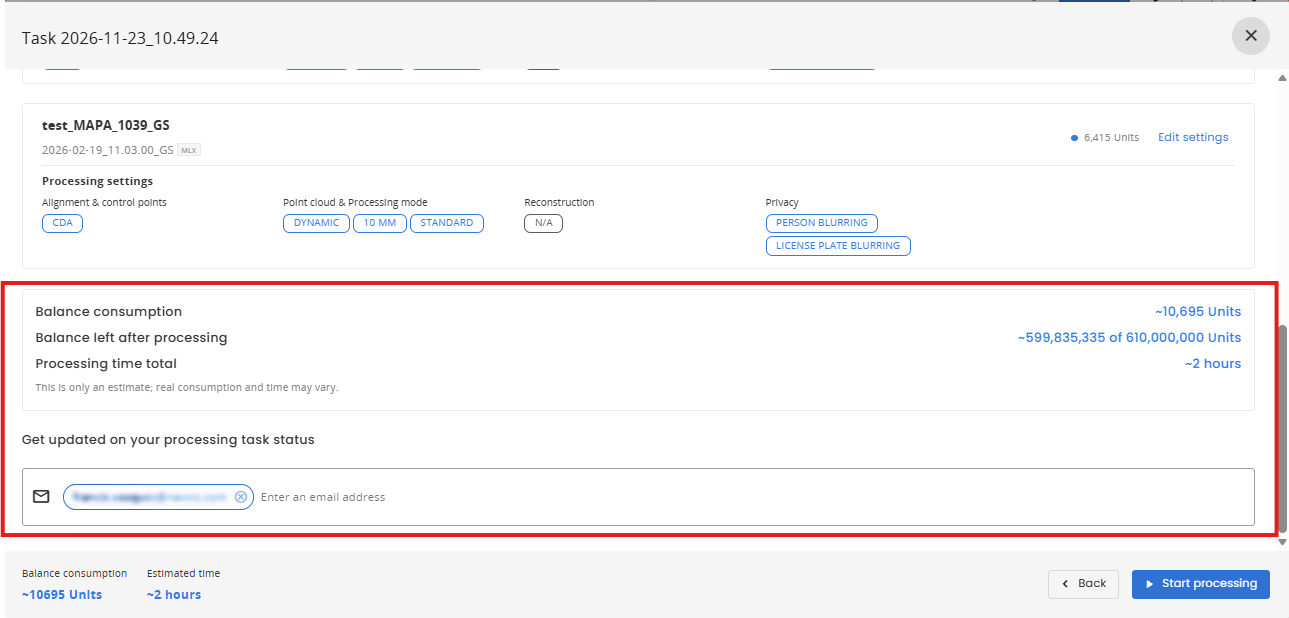
At the end of the review screen you can view the following information:
Balance consumption
Balance left after processing
Processing time total
Enter email addresses to share processing progress.
Cancellation limit: You cannot cancel a processing task once it has been running for more than 30 minutes. Review your datasets and settings before starting processing.
Once you have reviewed all the datasets and their configuration settings, click Start Processing.