NavVis Knowledge Base
Start here
New to NavVis? Start your onboarding, now.
A guided 8-step checklist across four phases — from Portal registration to your first scan and beyond.

-
01
 Account & Licensing
Register in the Portal, activate licenses, and set up your IVION instance.
Account & Licensing
Register in the Portal, activate licenses, and set up your IVION instance.
-
02
 Learning & Resources
Enroll in NavVis Academy and explore the Knowledge Base.
Learning & Resources
Enroll in NavVis Academy and explore the Knowledge Base.
-
03
 Hardware Setup
Check shipment contents and update your device software.
Hardware Setup
Check shipment contents and update your device software.
-
04
 Stay Informed
Subscribe to release notes, incidents, and the User Panel.
Stay Informed
Subscribe to release notes, incidents, and the User Panel.
Documentation
Browse by product
 Most read category
IVION
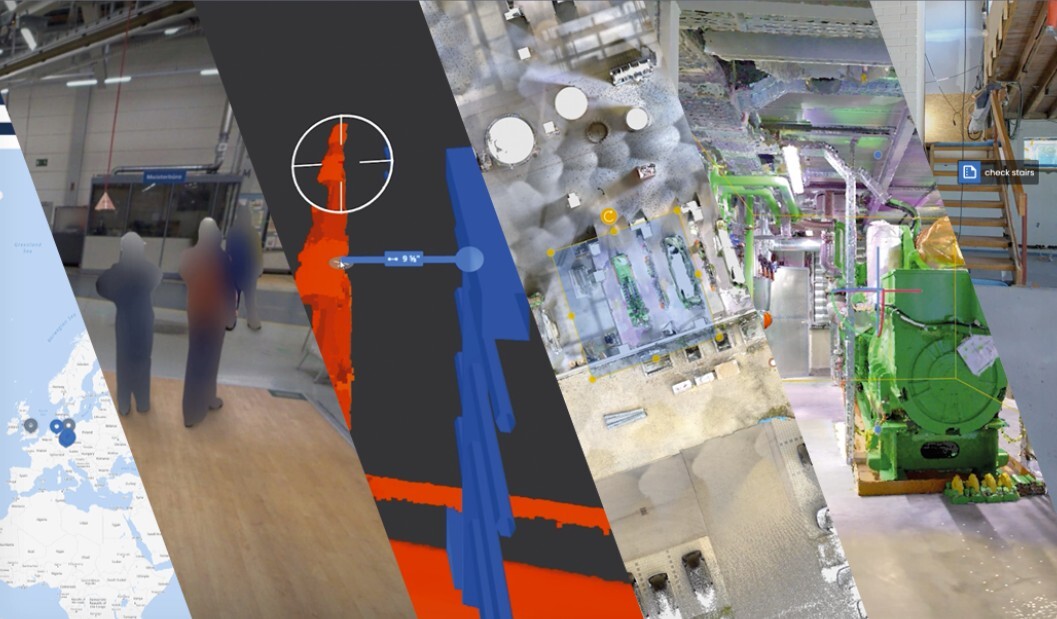
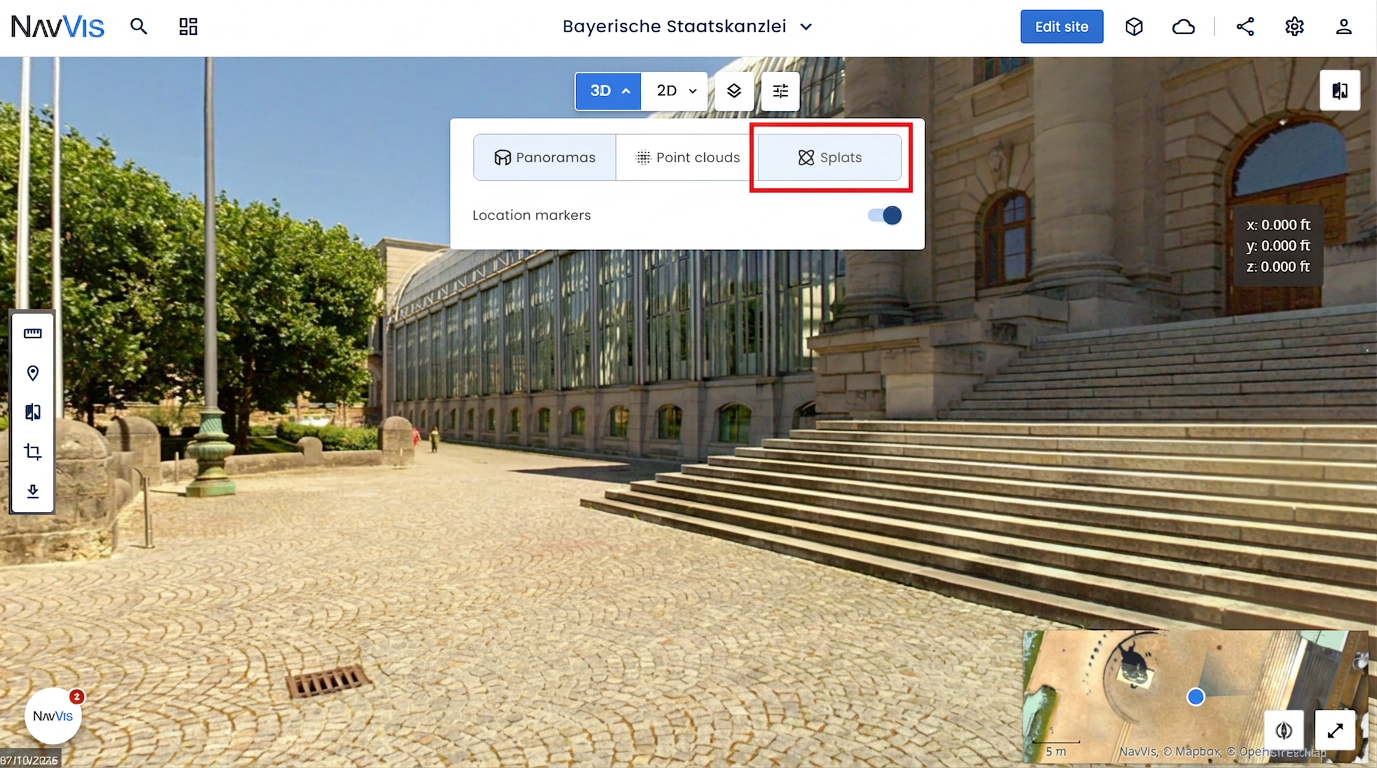
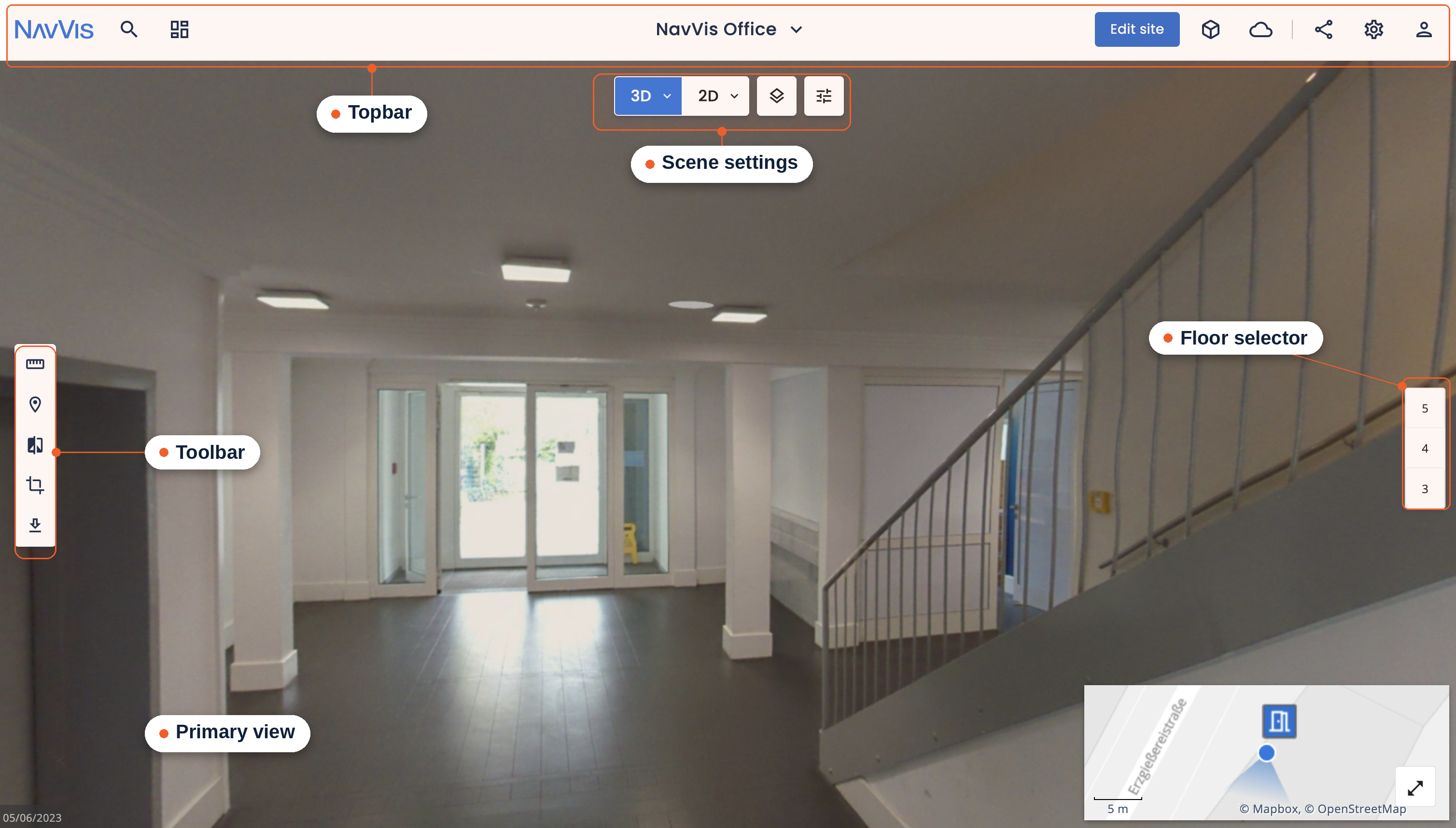
The platform where you process your data and all your projects live. Explore point clouds, panoramas, and points of interest, align datasets, and manage access — all in the browser.
Open IVION documentation Introduction
 Setup
Setup Using IVION
 How to




Training & courses
Join the NavVis Academy
The NavVis Academy is where you and your colleagues can learn how to set up and use NavVis products effectively.
All systems operational
IVION Platform · API · Knowledge Base

Still need help?
Start with Ivy for an instant answer. If she can't crack it, open a case with the team.