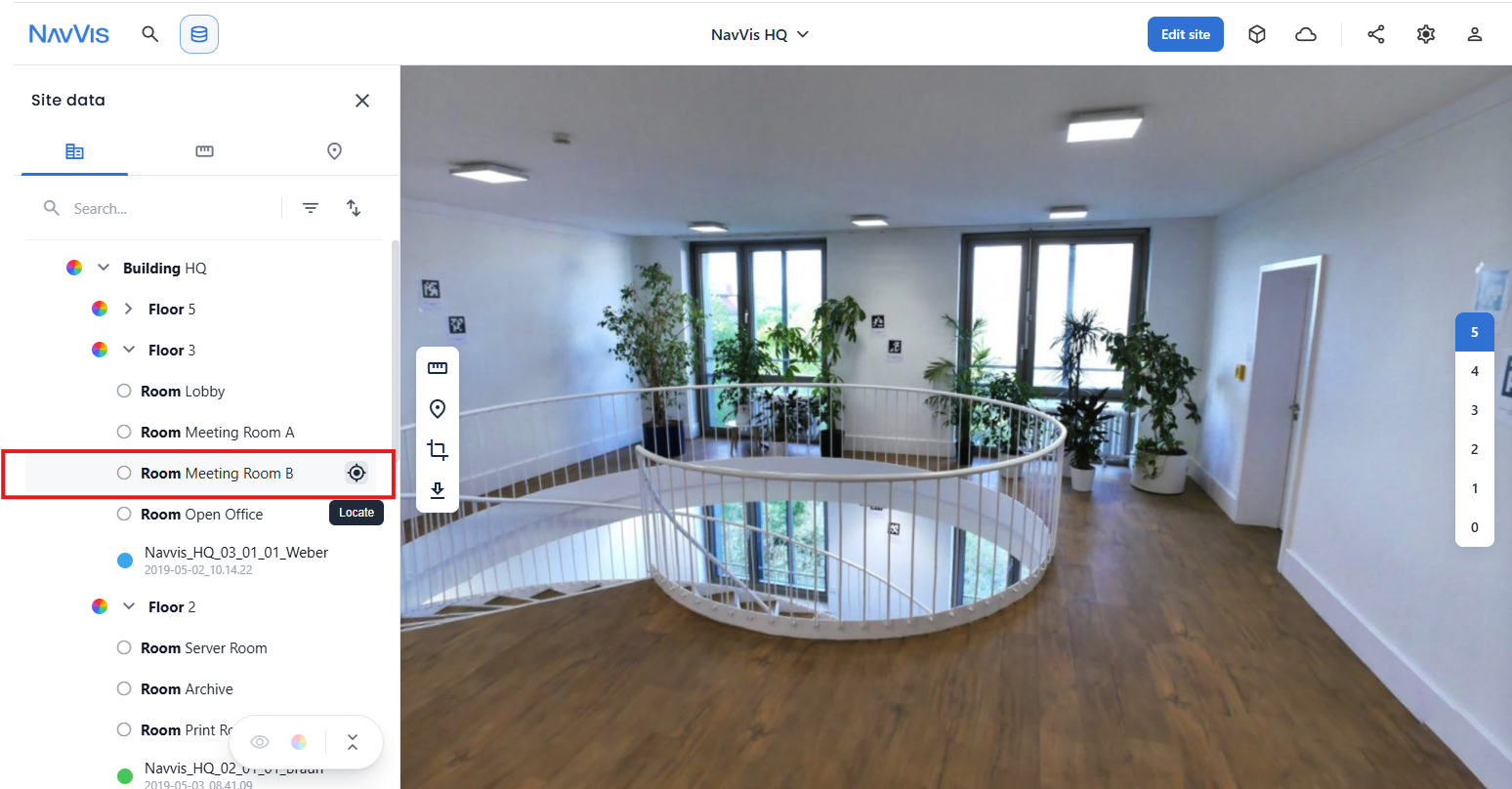
Use the Site structure tab in IVION to browse buildings, floors, and datasets, and locate datasets. For access and tab navigation, see Site Data.
Browse the site hierarchy
Click on the arrows to expand the building or floor that contains the dataset you want to view.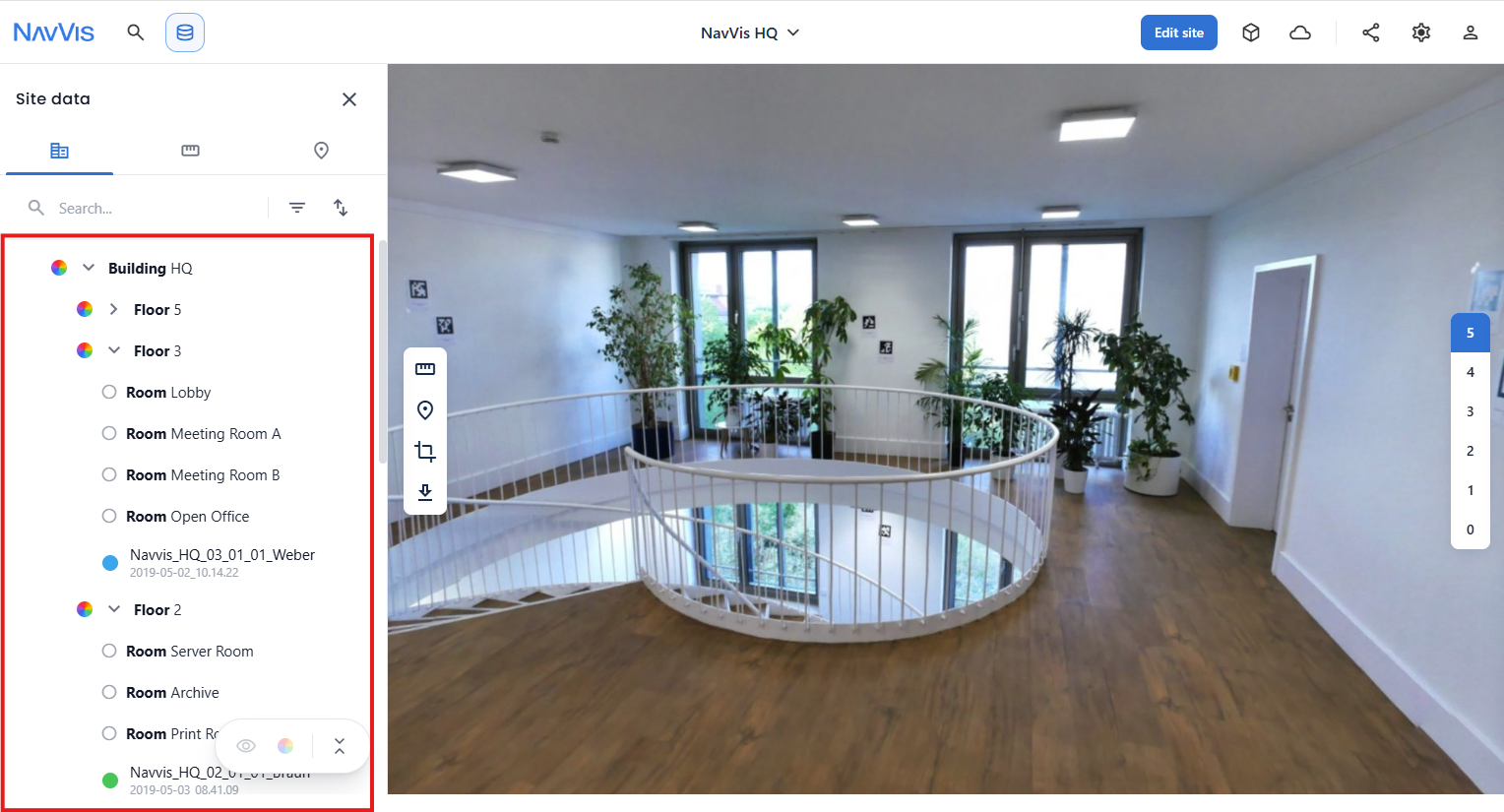
Navigate to a dataset
Navigate to the dataset in the site structure.
Click the Locate button next to the dataset.
The view moves to the dataset in the instance.