Use the toolbar in IVION to create measurements and individual POIs. Open Site data from the topbar to browse the site structure, manage saved measurements, and manage POI categories and category groups.
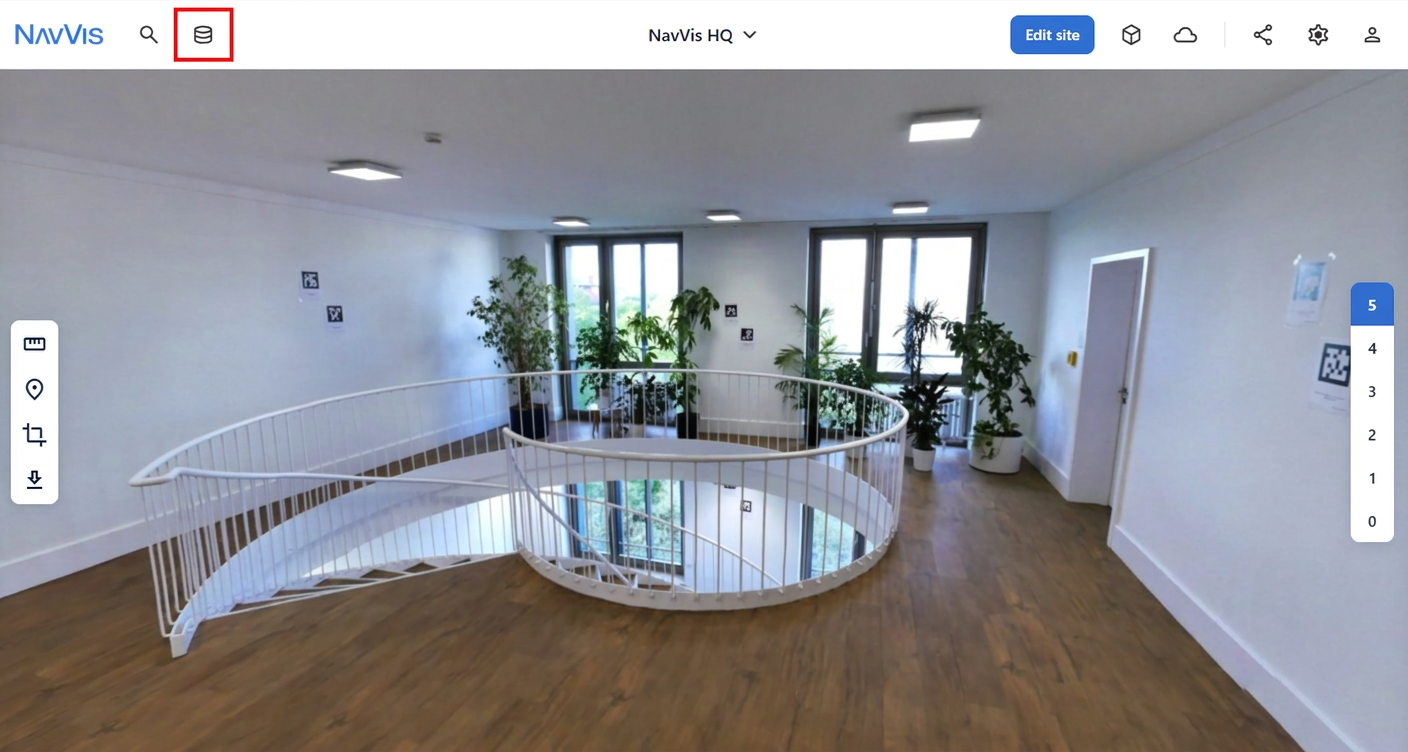
Open Site data
Click the Site data button in the topbar.
Go to the Site structure, Measurements, or POIs tab.
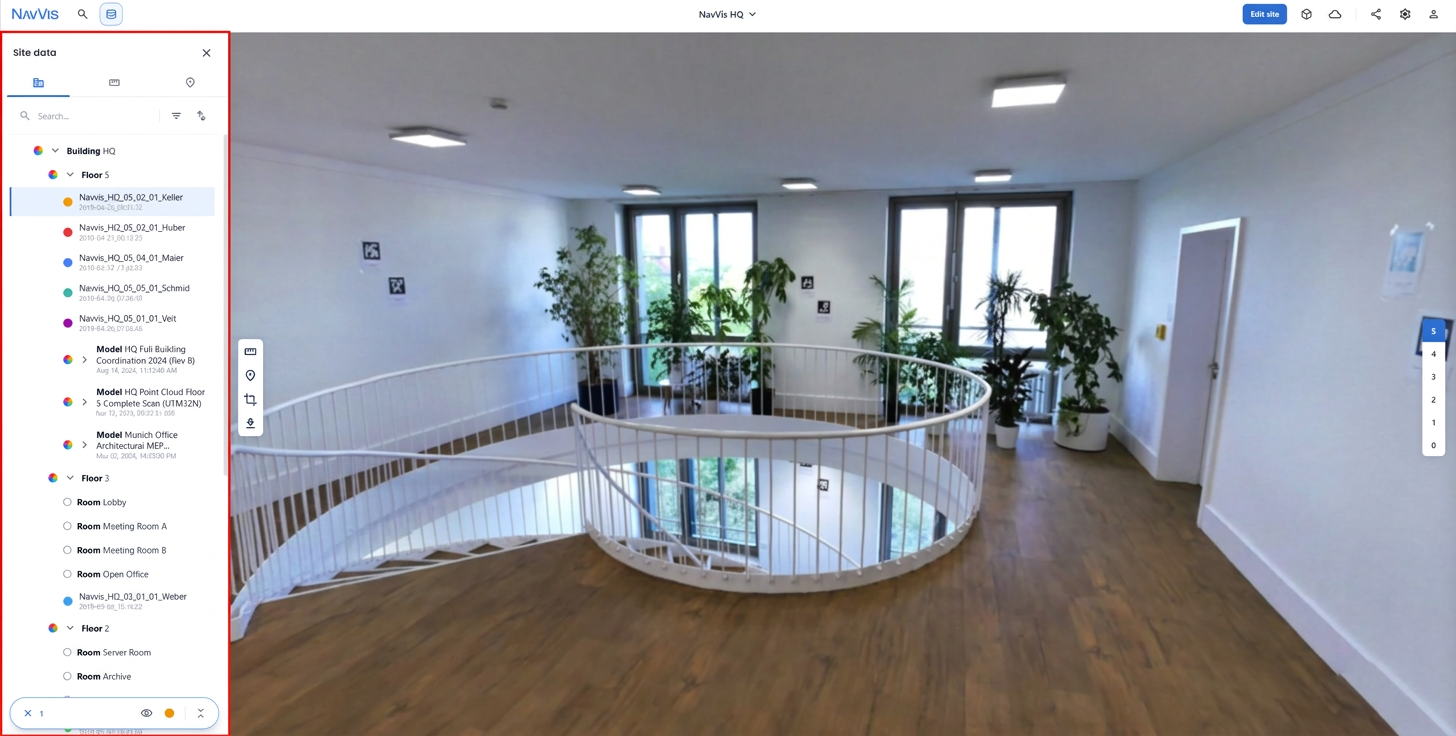
Explore the tabs
Each tab organizes a different type of site content. Use the linked guides for tasks and options specific to that tab.
Site structure: Navigate buildings, floors, and datasets, models and locate datasets. For more information, see Navigate the Site Structure.
Measurements: Find and manage saved measurements. For more information, see Open and Select Saved Measurements.
POIs: View and manage POI categories and category groups. For more information, see Find and Organize POIs.
Use the shared controls to search lists and manage selected items. For more information, see Use Site Data Controls.