Use this guide when you need to access measurements already saved in IVION. Open the Measurements list and select individual measurements or a range of measurements.
Open saved measurements
Click the Site data button in the topbar.
Go to the Measurements and objects tab.
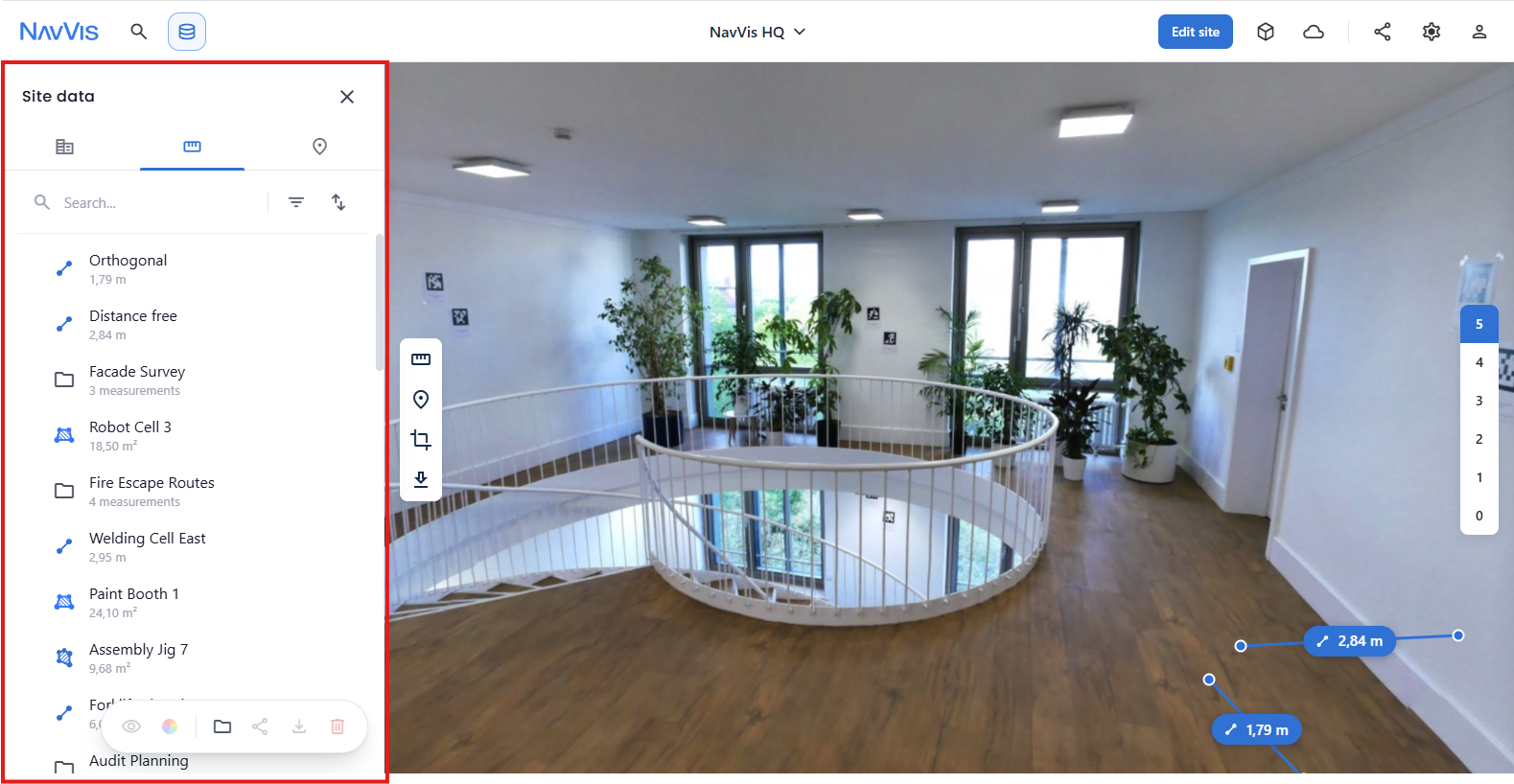
As an alternative you can also get to the measurement list from the Mark and measure tool, click on the link at the bottom of the tools.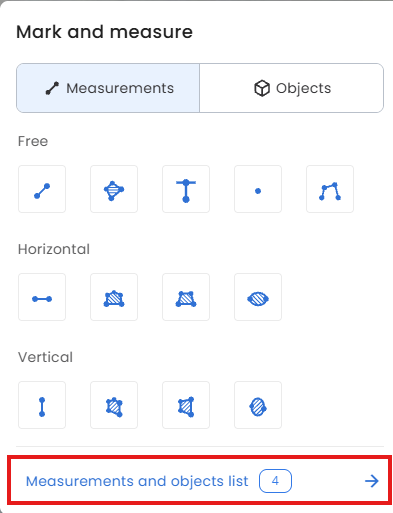
Closing the list does not hide measurements in the view. For more information, see Use Site Data Controls.
Select saved measurements
In the Measurements list:
HoldShift while clicking to select a range.
For more information, see Take Measurements.