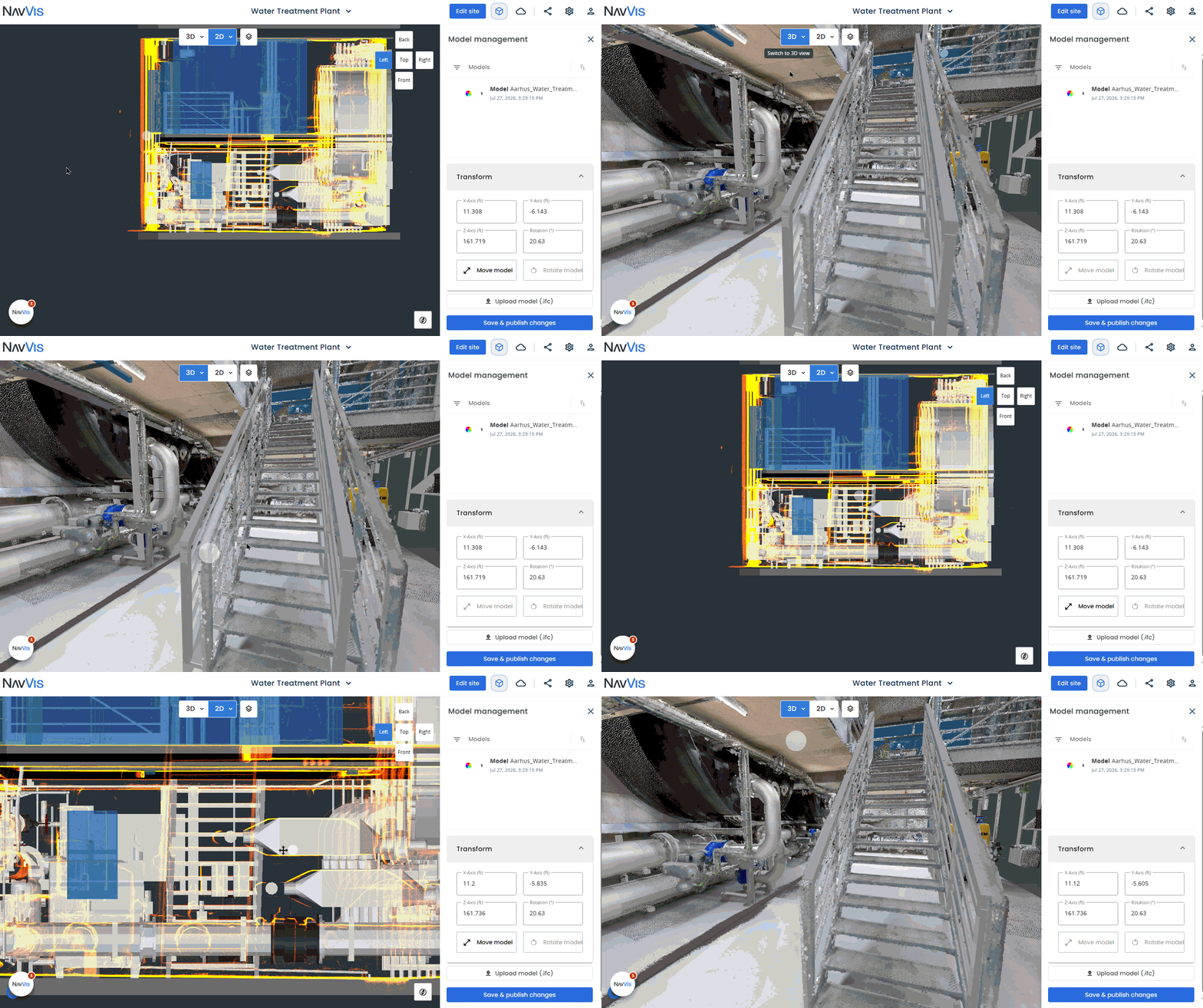
Once you have imported the model, you must now align it to the point cloud. The following shows you how to use the model alignment tools.
Viewing side and top views
Use the buttons on the top right corner to change the angle from which you are viewing the model.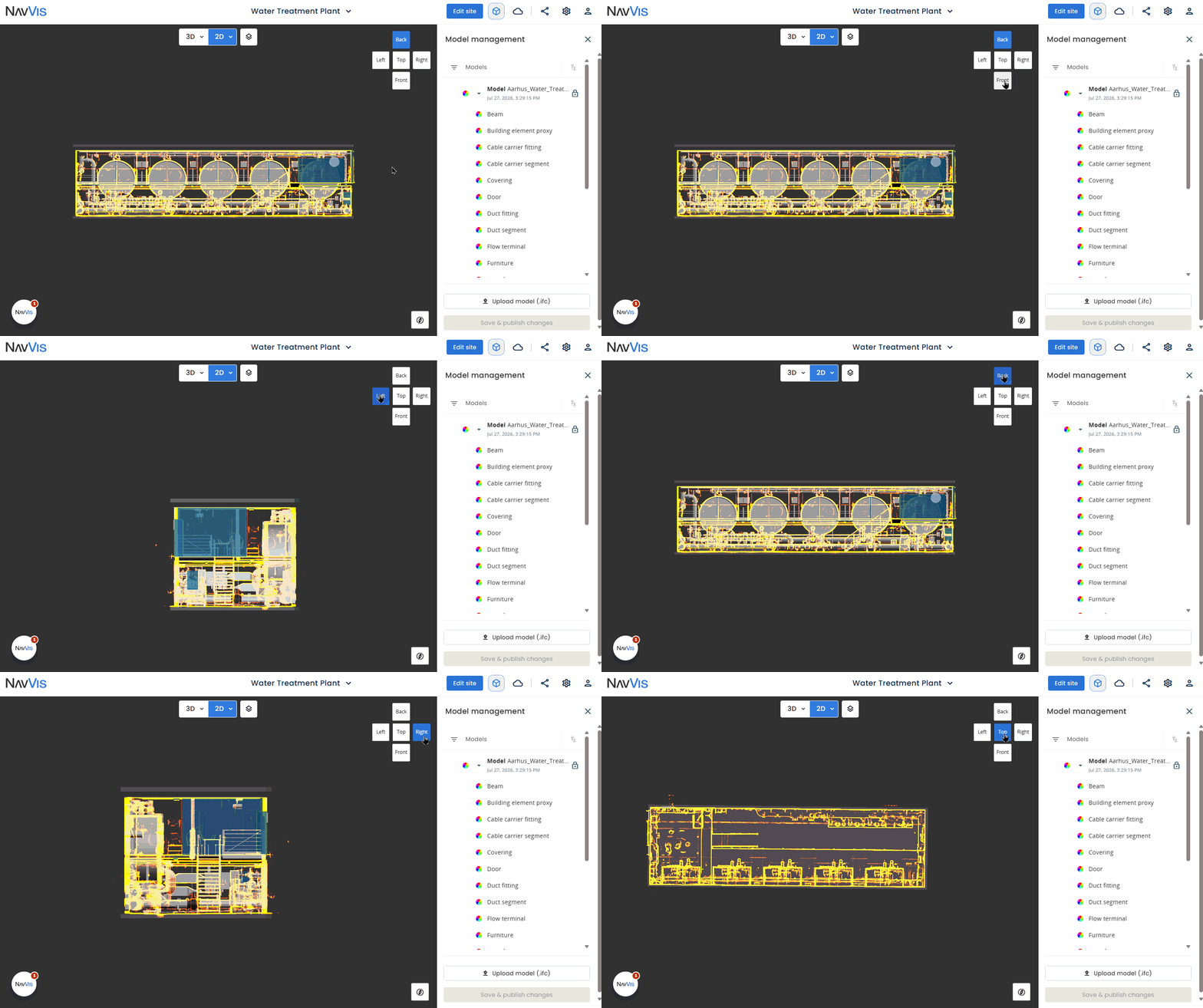
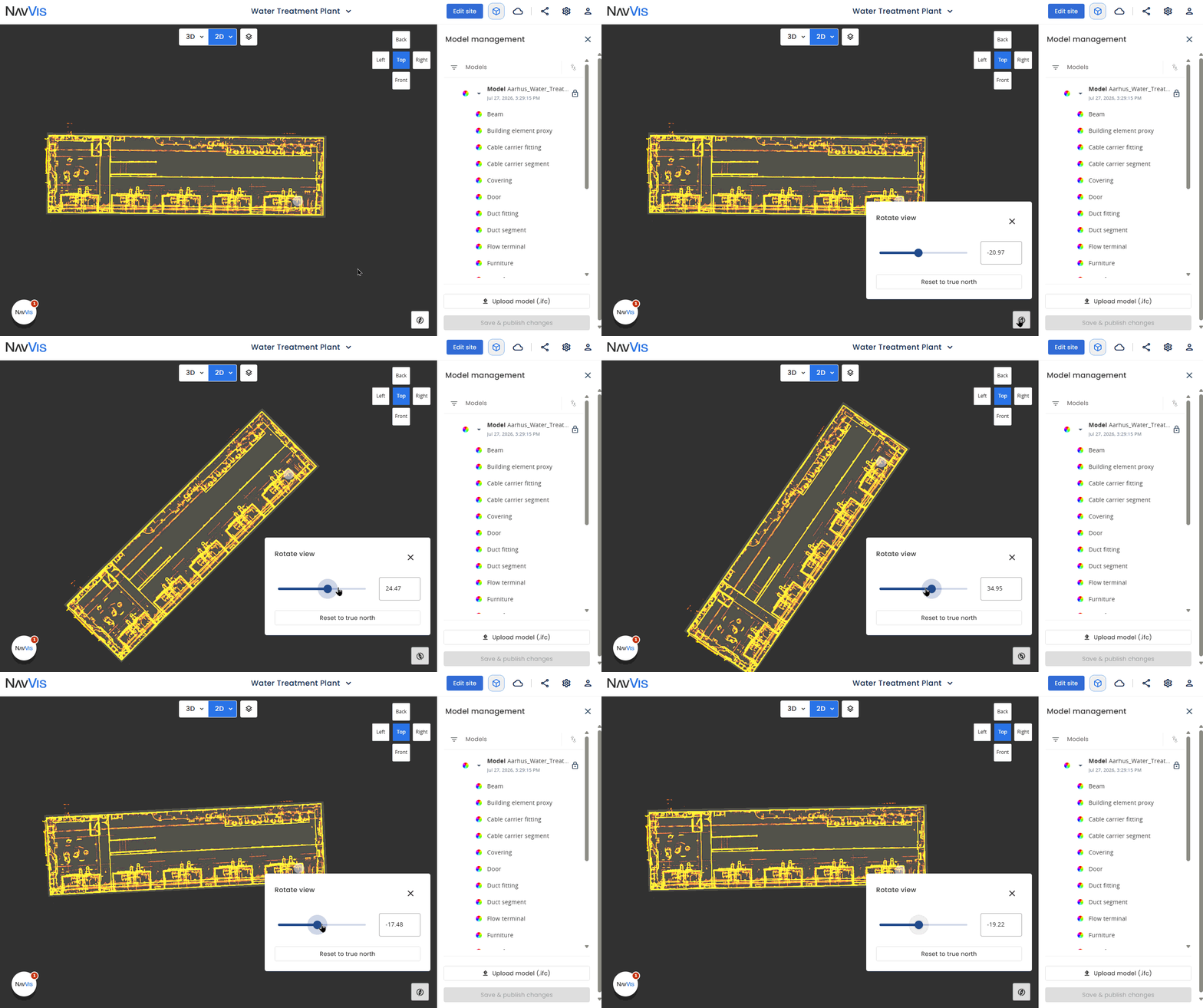
Rotating the view
Use the compass button in the bottom right corner of the screen to rotate the view of the model.
Unlocking a model for transformation
Unlock the model by clicking on the padlock icon.
This will open the transformation tools tab in the bottom right of the screen.

Moving and rotating
You can drag the model and move and rotate it by changing its axis and rotation values or by aligning points manually or with the Move Model tool.
You can also change the values by placing your mouse in the box of the value you wish to change and scrolling up and down.
Aligning a model
Moving the model in place
Click Move Model.
Click on a point in the model
Click on the corresponding point in the point cloud to link them together and the model will move to that point.
Note: Ensure the model is aligned from every perspective.

Rotating the model in place
Click Rotate Model.
Click on a point to define it as the center of the rotation.
Click on a second point to define it as the first rotation axis.
Click on a third point to define it as the second rotation axis.

Note: You can only rotate from the top view mode.
Checking alignment in the 3D view
To check the alignment, you can switch to a 3D view. If you see any mis-alignment in the 3D view, you can go back to the 2D view and make minor alignment adjustments to the model.